
When most people think about Amazon sellers, they picture private emails, Shopify sites, or maybe a contact form hidden on their brand page.
Few realize that a massive number of Amazon sellers are actively networking — right on LinkedIn.
Some sellers are brand owners building in public.
Others are directors of e-commerce for $10M+ brands.
Many are just small-business operators quietly scaling their Amazon storefronts.
If you know how to find them, LinkedIn can become your #1 lead source.
In this guide, we’ll break down how to locate, connect, and build relationships with Amazon sellers on LinkedIn — even if you’re starting from scratch.
Before you start typing into the LinkedIn search bar, you need a clear seller profile.
Ask yourself:
The clearer your ideal client profile, the easier LinkedIn prospecting becomes.
Pro Tip:
Use Seller Contacts to pull a filtered seller list first, then cross-reference their names or brands on LinkedIn.
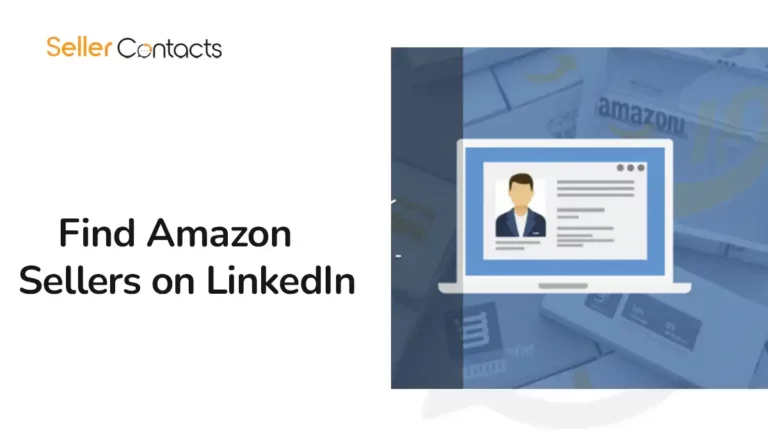
LinkedIn’s search function looks basic until you learn how to stretch it.
Best search strategies:
Industry: E-commerce, retail, consumer goods
Title: Owner, Co-founder, CEO, Brand Manager, E-commerce Manager
Location: If you want the U.S., UK, or specific countries
Real Tip:
Sellers don’t always put “Amazon” in their title.
Sometimes it’s hidden in the job description, so skim profiles carefully.
Sometimes, the easier route is brand first, person second.
How:
You’ll often uncover the real decision-makers, not just random employees.
There are hundreds of LinkedIn groups where Amazon sellers hang out.
Some popular ones:
Why it works:
Sellers who join groups are often more open to networking, partnerships, and agency solutions.
Action:
Join relevant groups, observe discussions, contribute value, then softly connect with active members.
Nothing screams “sales pitch” faster than a lazy connection request.
Wrong Approach:
“Hi, I help brands scale. Let’s connect.”
Better Approach:
“Hi [Name], love what you’re building with [Brand Name] on Amazon. Would be great to connect and share ideas — always looking to learn from others in e-commerce.”
Why it works:
It’s personal, non-threatening, and flattering.
Humans respond to humans, not automated pitches.
Once they accept your request, don’t jump into pitching.
Best practices:
Timing Tip:
Wait at least 5–7 interactions before suggesting a conversation about services.
Think of LinkedIn like a networking event, not a cold calling center.
You want sellers coming to you, not just you chasing them.
How:
Result:
Your profile becomes a resource, not a sales page.
When sellers see your content solving problems they have, reaching out becomes natural.
Here’s where Seller Contacts supercharges your LinkedIn game:
Example:
If you’re targeting beauty sellers doing $ 1 M+ annually, instead of combing through LinkedIn randomly, you already have a curated list, saving you dozens of hours.
More precision = faster, higher-quality connections.
Finding Amazon sellers on LinkedIn is one of the highest-ROI strategies for service providers today.
But it only works if you combine smart targeting, human-first outreach, and high-quality data.
With SellerContacts, you can:
Ready to supercharge your LinkedIn prospecting?
Start using Seller Contacts today, and never guess where your next client is coming from.